Snikket is a way to set up Standard Internet Messaging (XMPP), for a group of people, say an organisation, or a family, without needing as many technical skills as are needed to run your own server. All the source code is open, and technically minded groups can (and many do) run their own server.
Having a means of communication under your own control may be particularly of interest to disadvantaged or vulnerable groups.
What makes Snikket special is that they offer a ‘hosted’ service, so they do the work of keeping the software up to date, making it easy to set up addresses like john@chat.appleseed.org.uk which can be used to chat with other addresses, both inside and outside the organisation.
The Charity Donation offer
If you represent a UK charity and are interested in a donation to allow your organisation to try Internet Messaging please mail snikket-xmpp-offer@appleseed.org.uk with information about your charity, including a link to its web site and your charity number.
You will require that ability to update a DNS entry for your charity, and the ability to pay for the Snikket hosting via a credit card (as that is how the Snikket billing is set up). As long as you have the intent to use the donation for a Snikket XMPP pilot the CAF donation can be made before you have to make the credit card payment.
Setting up Snikket
These are the steps in setting up Snikket for a charity.
Go to https://snikket.org/hosting/ and click on ‘Sign in to Snikket Hosting‘
You will need to give an email address to get started. This will become the username for your login to the Snikket portal. Note that snikket supports ‘Plus Addressing‘ so, if your email supports this it is a good idea to append ‘+snikket’ to your address.
You will then see the Snikket Hosting Dashboard, which is where you ‘Launch a new instance.’
An ‘Instance’ is Snikket terminology for the name of the chat system you are setting up. You can use a free domain ending in ‘.snikket.chat’, but you probably want to be more identifiable and should click on ‘configure a custom domain’
You should pick a name like ‘chat.yourdomain.org‘ and pick a plan,
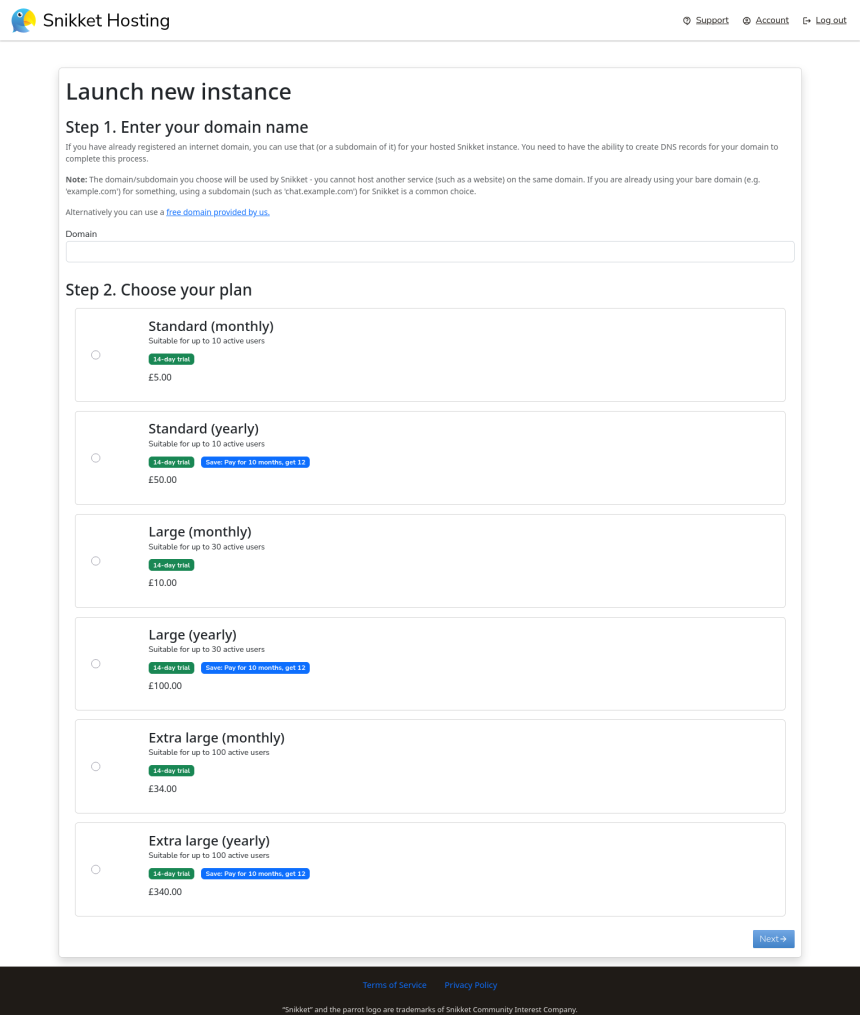
Generally a pilot is likely to be Standard (yearly) – for up to 10 active users at £50, or Large (yearly) for up to 30 active users at £100.
You will then be told to set up DNS records.
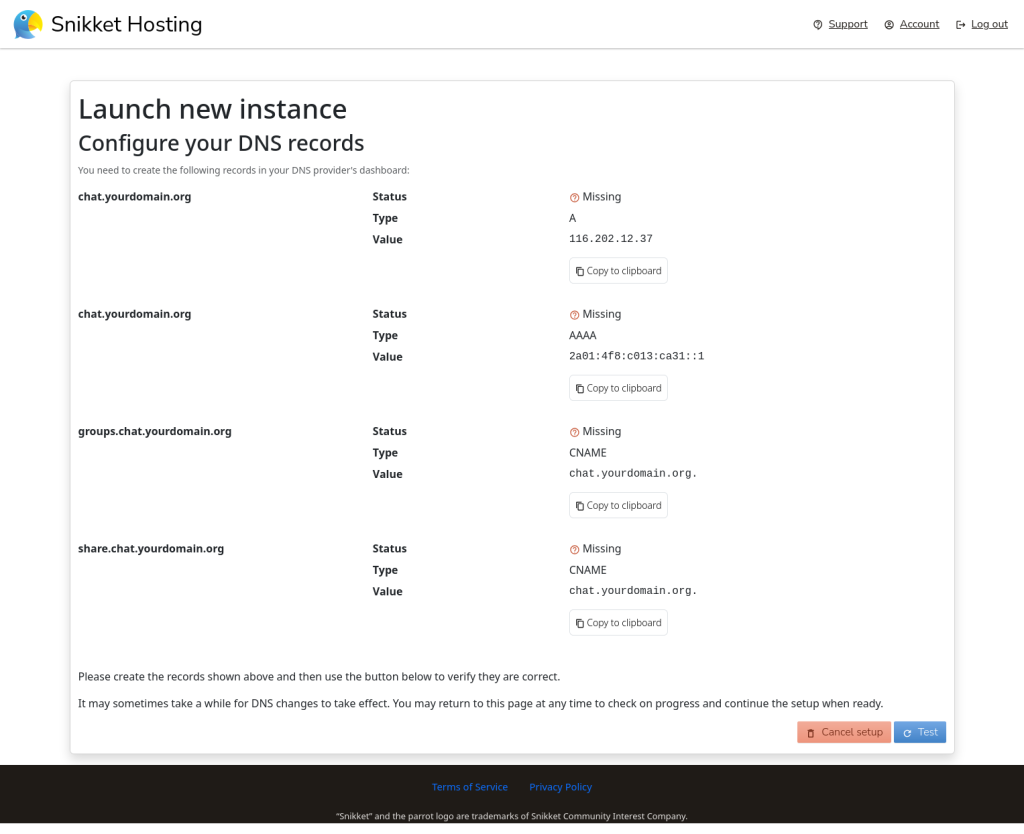
This is where you, or whoever manages your domain, will need to set up those DNS entries. You may need to send a screenshot of the page to your DNS administrator. Once the DNS is set up return to the page, or re-login to https://my.snikket.org/ and you should see your instance ready to ‘Continue setup’
You will then need to enter payment details, and then you will be able to use the Administration page for your snikket instance, to create an initial user, which will look like the following
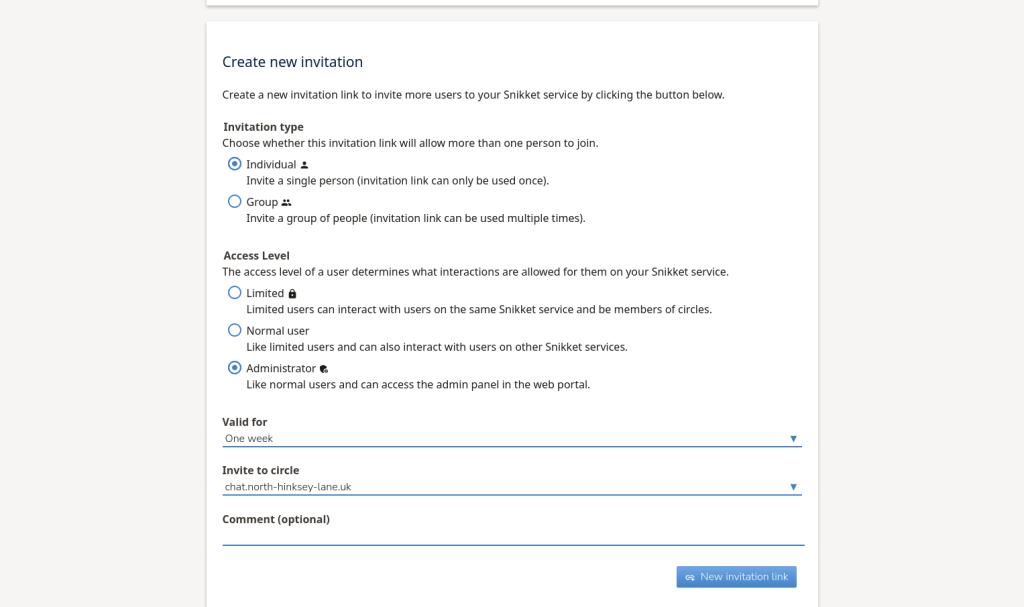
This will create a link which you can follow (for setting up your account as an administrator, or send, for example by email, to someone else.
They will see a page like the following:
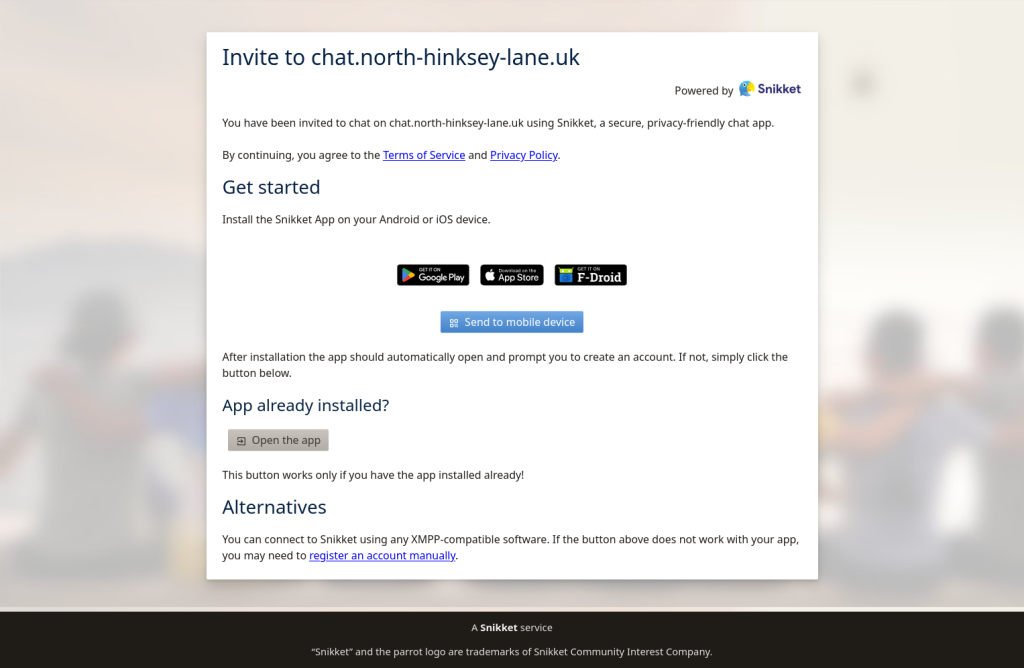
The Snikket app runs on Android or iPhone, and the Android version can come either from Google Play Store or F-Droid – but snikket is an standard XMPP system, so you can use any client for which works for you, in which case click on ‘register an account manually’ . You , or the recipient of the invitation will see a page like:
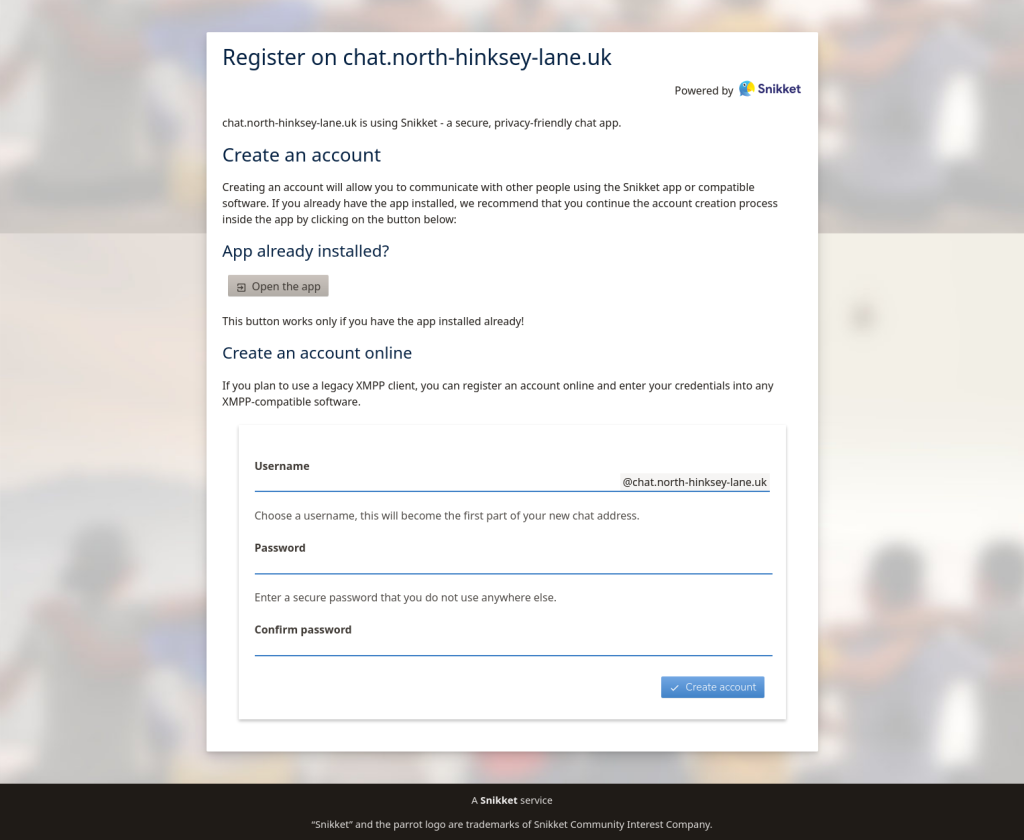
Where they will have a chance to enter a username and password, and can enter any username they like, and set a password. As administrator you can also manually create accounts with usernames and passwords,
You, and your members, can now start chatting, sending messages, attaching images and videos, to individuals and chat groups, and with other XMPP standard internet chat users. You may wish to publish a contact chat address on your web page.
Uses
Instant messaging is a complement, rather than a replacement for other means of communication.
Administration
Instant messaging can be very useful for such things as arranging a meeting, or subgroups working on some project. Although formal committee meetings are important for important decisions, since charity governance should be transparent, Instant messaging can be used to hammer out details.
Out and about.
If your group goes on outings you can find the ability to stay in touch useful. You could set up a temporary chat group for all members who are on a particular outing, and use it beforehand to make sure everyone knows what they should take and where and when they should be for the start. During an outing it can be useful for find where people are (XMPP has a ‘Send Location’ message), or decide where to meet for lunch.
Young and vulnerable people
Snikket has three types of users
- Normal users, who can communicate with anyone who has an Internet Chat account, on the same system, or anywhere in the world.
- Administrators, who can add or remove users, reset passwords etc as well as communicating as normal users
- Limited users, who can only communicate with uses on the same Snikket instance.
By creating Limited user accounts for children or vulnerable people you can ensure that they are not in communication (via this method at least) outside of the users on this instance.